
Effortlessly connect field and office
Terial connects field crews and office teams on one platform. Updates flow automatically, dispatchers see what's happening, and managers make decisions backed by live data instead of yesterday's guesswork.
Schedule a personalized demo


.svg)
Mobile-first job management
Intuitive workflows for your crew
Crews clock in, update progress, and log materials without leaving the job site.
Capture site photos, add notes, and file by job phase automatically.
Mobile clock in/out with automatic job association. Accurate labor hours without manual timesheets or admin overhead.
Complete safety protocols and quality inspections from mobile. Timestamped proof of compliance, accessible instantly.
Log materials used in real-time, triggering automatic job cost updates.
.avif)
.svg)
Coordinate operations without the chaos
Smart scheduling & dispatching
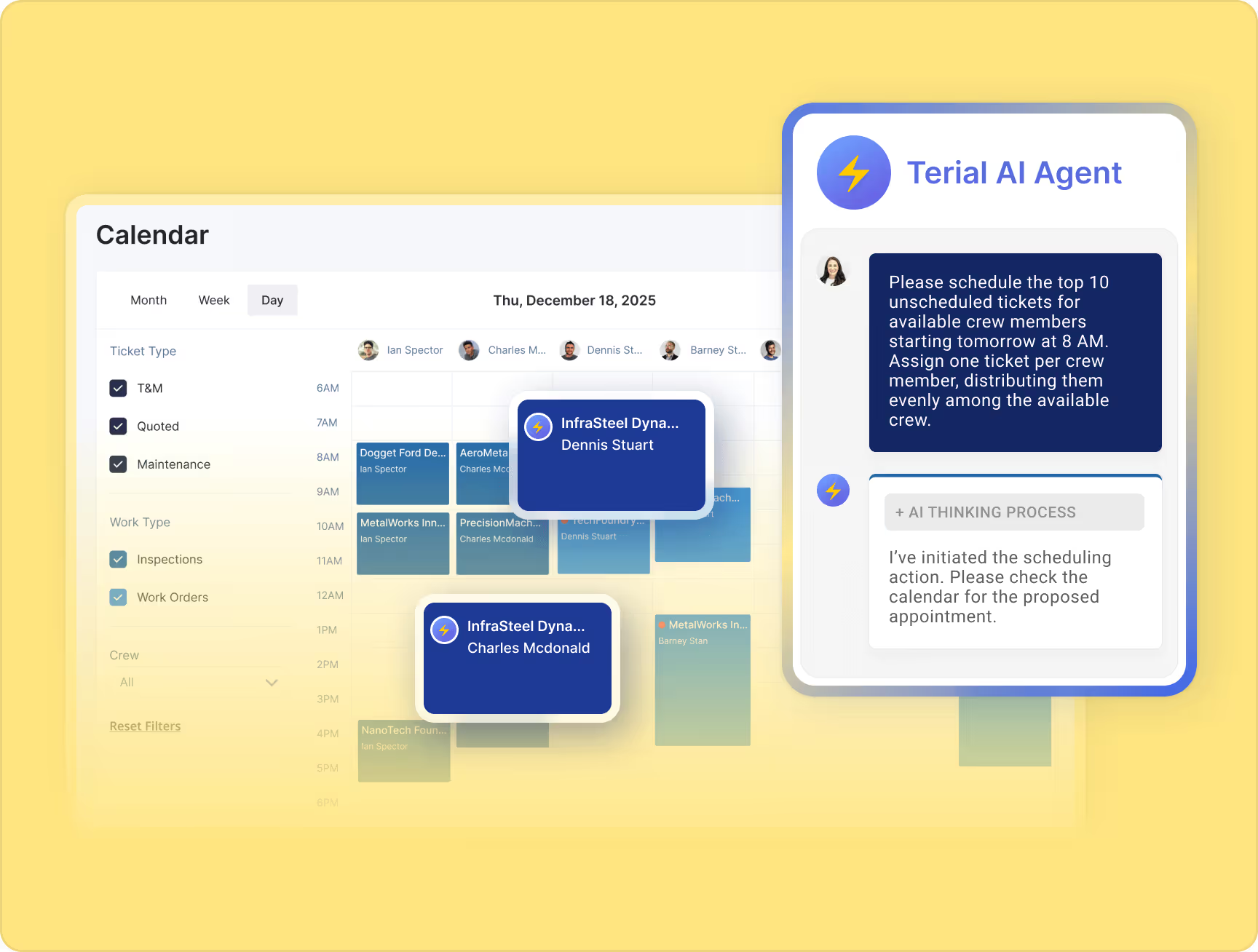
See where every crew is, what they're working on, and when they'll be available. Dispatch the nearest team to emergency calls in one click.
Visual calendar shows crew capacity, job timelines, and conflicts. Optimize assignments to balance service response with project commitments.
Regional operators see consolidated views across all offices while local managers maintain autonomy.
Centralized job management
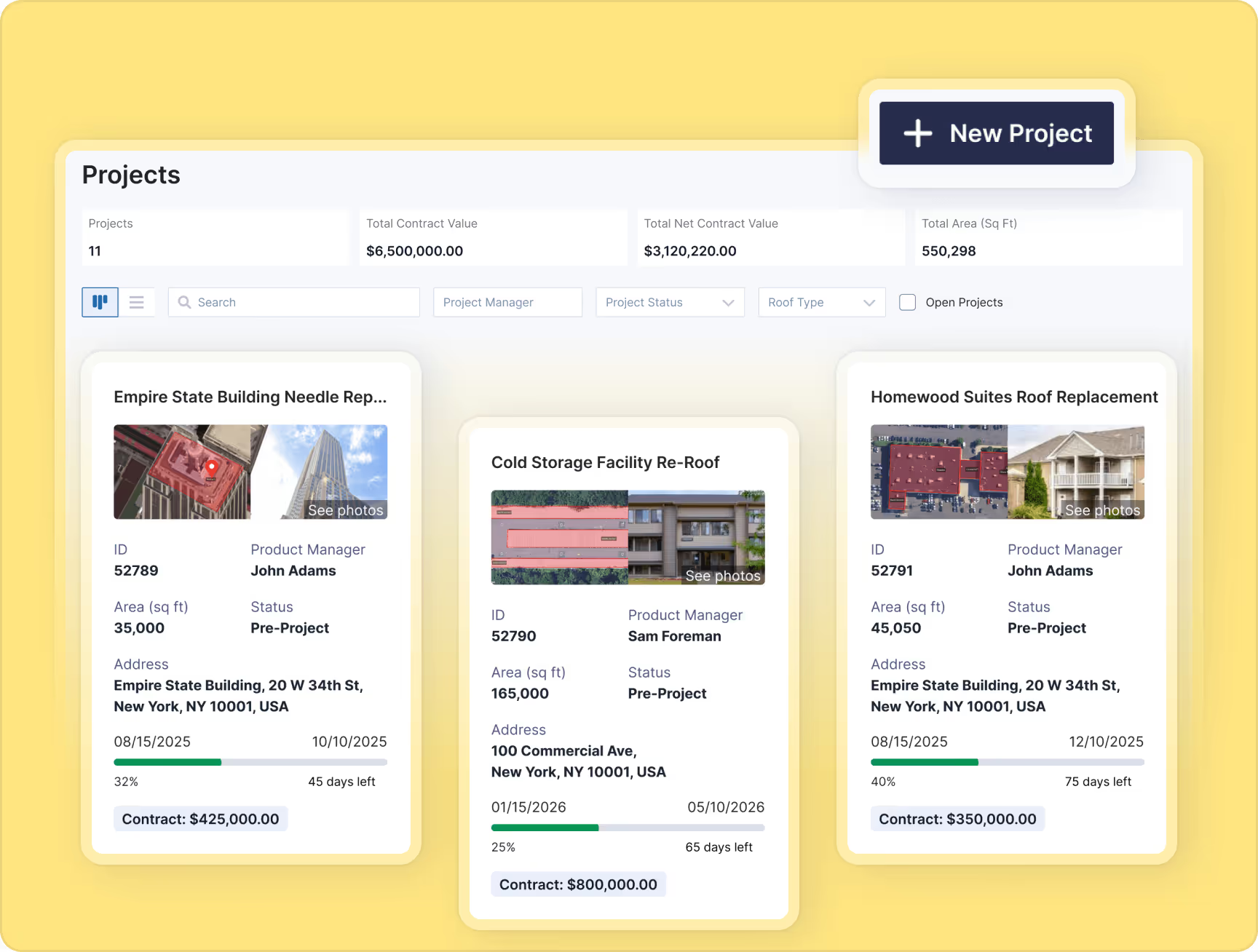
Every document, photo, communication, and update lives in the job record. No more hunting through email chains or lost paperwork.
Every past job, service call, invoice, and conversation in one place. Answer customer questions instantly and spot upsell opportunities.
Standardized contracts, proposals, and forms. Generate professional documents in minutes.
Assign tasks, track completion, and keep internal discussions separate from customer communications.
.svg)
See margins in real-time, protect profitability proactively
Real-time job costing
See profitability as work happens, not weeks later. Material costs, labor hours, and expenses update automatically from field activity.
Compare estimated costs to actuals in real-time. Get early warning alerts when jobs approach budget thresholds or material overages occur.
Track profitability by phase, crew, or cost code. Identify which parts of jobs make money and which don't.
Document scope changes, track financial impact, and tie modifications to job profitability. Protect margins on evolving projects.

Automated invoicing & payments
Convert completed jobs to invoices automatically. Review, approve, and send – all from one screen.
Schedule invoices by project milestones or time periods. Manage retained payments and complex billing structures effortlessly.
Accept credit cards, ACH, and customer financing directly through Terial. Get faster payments to improve cash flow.
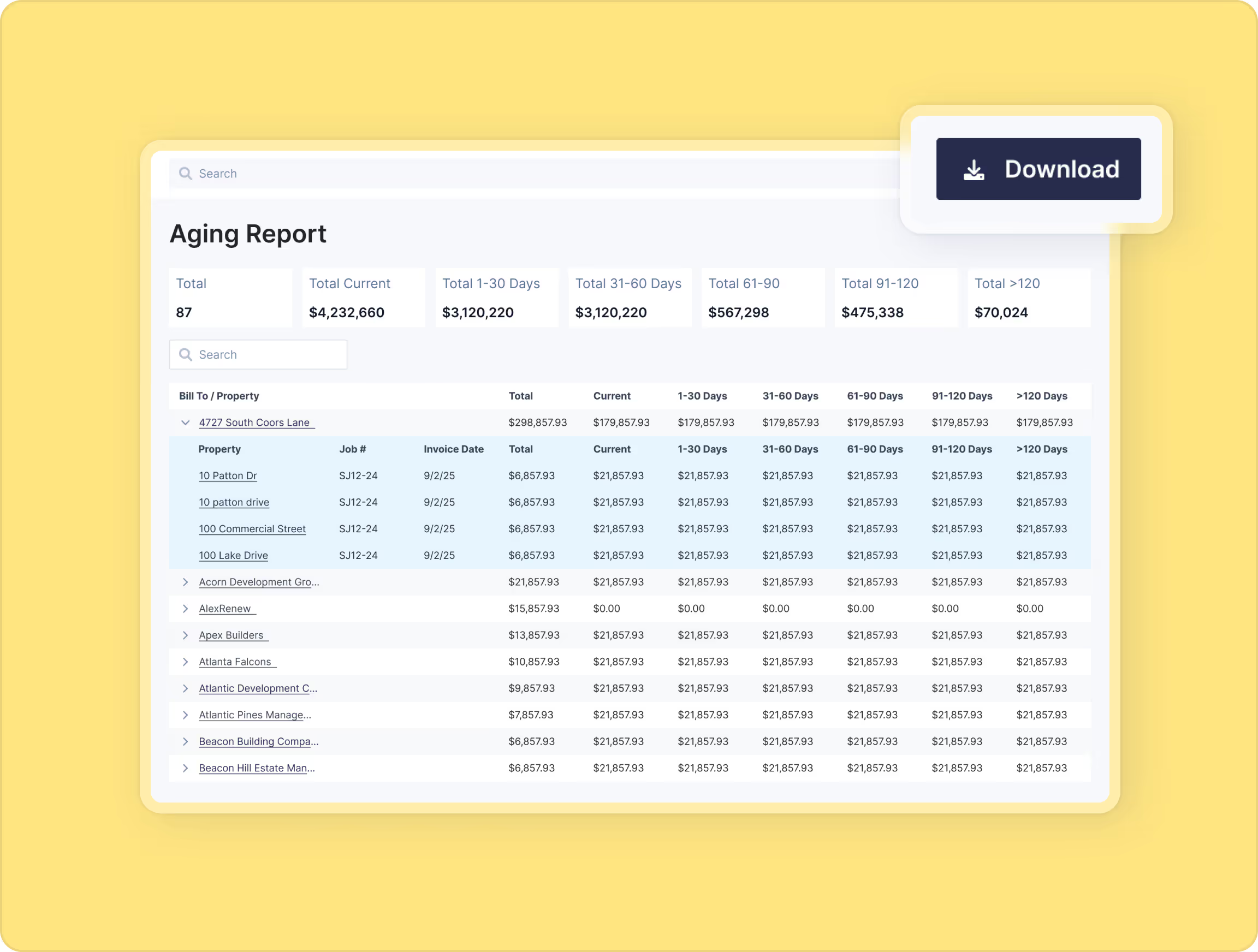
See aging invoices, payment status, and collection priorities. Automated reminders reduce Days Sales Outstanding.

Financial reporting & analytics
Understand profitability at any level – individual job performance, crew productivity, or monthly financial health.
Project future cash position based on scheduled invoices, pending payments, and upcoming expenses.
Build views that show what matters to your role: owner dashboard differs from operations manager view.
Direct sync eliminates double-entry. Financial data flows seamlessly between Terial and your accounting system.
.svg)
Reclaim 40+ hours weekly of manual work
Intelligent roofing workflow automation
Crew actions trigger updates across the system. Time tracking, material usage, job progress – all captured without manual entry.
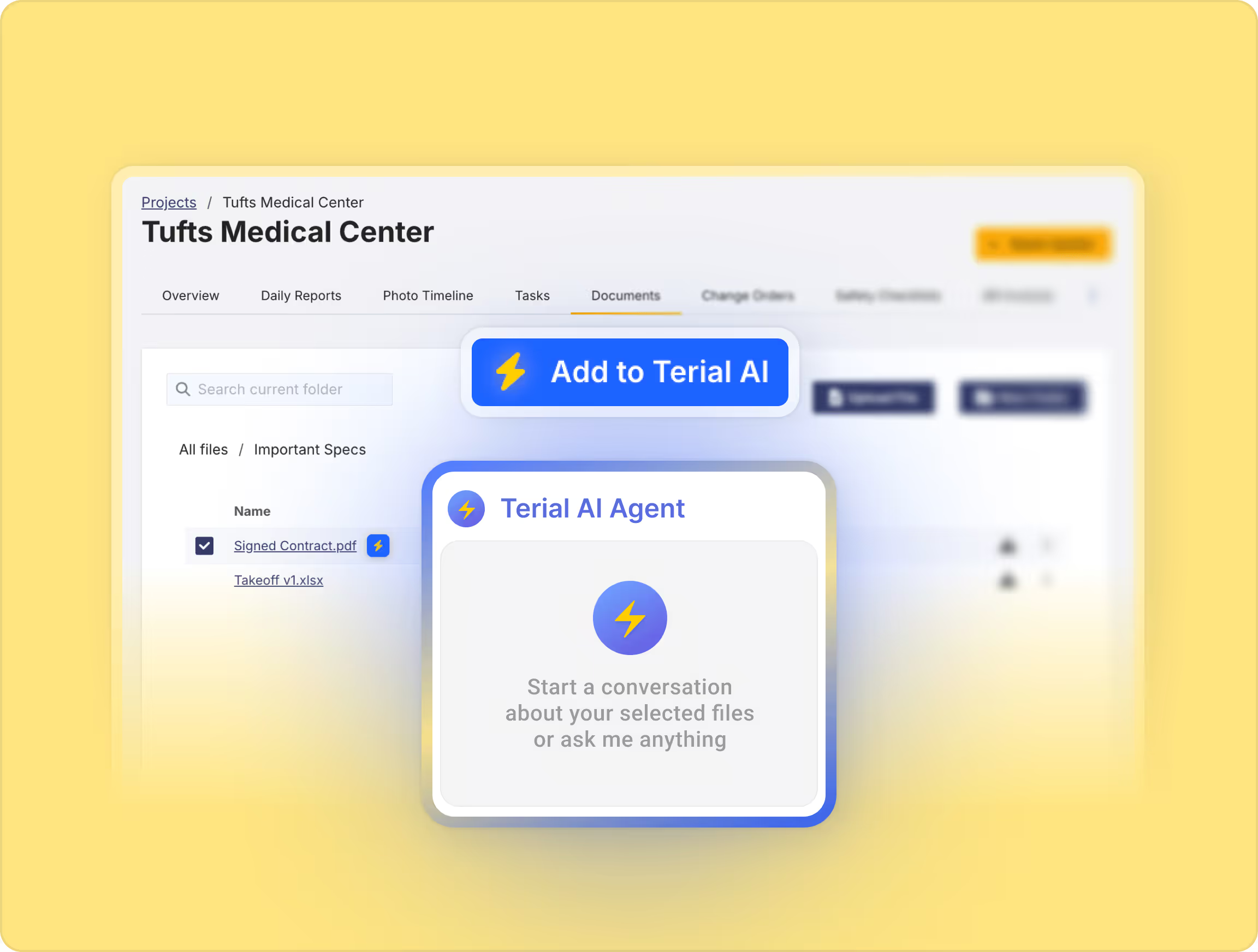
Upload invoices, spreadsheets, delivery slips, and more. AI extracts and populates relevant data for you.
Create and send branded daily job progress reports with customers within minutes, directly from Terial. Automate internal preventative maintenance reminders so scheduling never slips.
AI suggests optimal crew assignments based on location, skills, availability, and priority. Dispatchers review and approve, not build from scratch.
AI-powered insights
AI identifies jobs trending toward overruns before thresholds hit. Proactive warnings let you intervene early.
Compare crew performance, identify top performers, and spot training opportunities.
AI flags unusual material usage patterns, helping you catch theft, waste, or ordering errors.
AI surfaces customers due for maintenance, service contracts ready for renewal, or properties needing related work.

Financial reporting & analytics
Understand profitability at any level – individual job performance, crew productivity, or monthly financial health.
Project future cash position based on scheduled invoices, pending payments, and upcoming expenses.
Build views that show what matters to your role: owner dashboard differs from operations manager view.
Direct sync eliminates double-entry. Financial data flows seamlessly between Terial and your accounting system.
.svg)
Convert opportunities faster with unified sales workflows
Track and close more deals
See every sales opportunity in one place – project bids, service quotes, and upsell opportunities in separate pipelines. Automatic stage aging alerts flag deals sitting too long, so you never lose work because you forgot to follow up.
Assign follow-ups to your team with reminders when action is needed. Document why you won or lost deals to identify patterns and improve your approach.
Build detailed estimates with labor, materials, and markup. Create proposals that look professional and help you win work.
All your estimating data, takeoffs, and site information carries forward when you convert to a job.
Track win rates, open pipeline value, and revenue forecasts by estimator, rep, or time period – built for how roofers actually sell.

One-click conversion
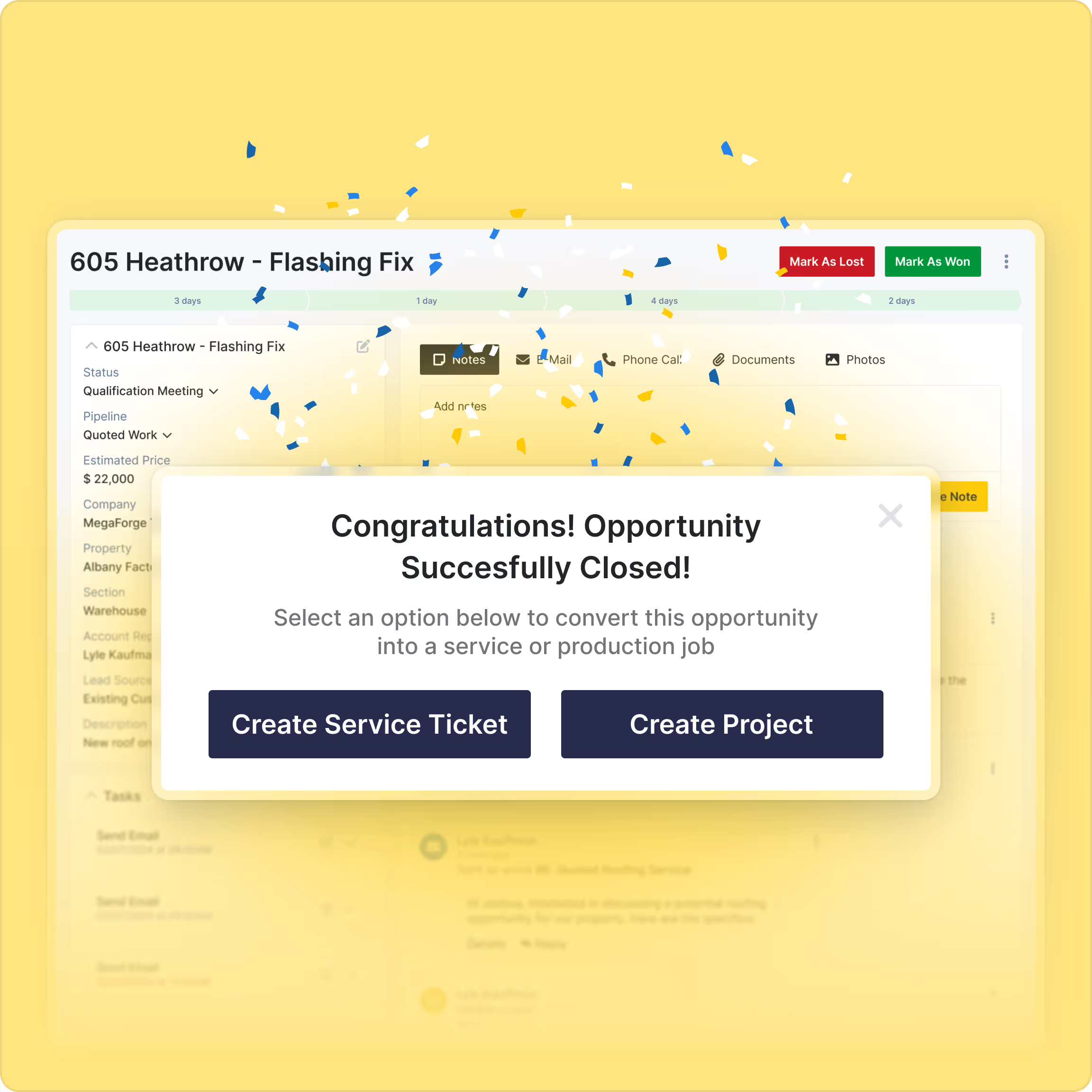
Convert won estimates to service tickets or production jobs with one click. All customer details, scope, and pricing transfer automatically.
Your estimate IS the budget for real-time job costing. Track actual costs against what you quoted without rebuilding anything manually.
Your sales team stays focused on selling. Your operations team gets complete job information. Nothing falls through the cracks between departments.
When you win work, relevant stakeholders get notified automatically. Sales, operations, and field teams stay aligned.
Make better sales decisions
See your entire pipeline's dollar value at a glance. Project revenue by month based on close rates. Plan crew capacity, material orders, and hiring with confidence.
Track win rates to understand what's working. Identify trends and improve your sales approach over time.
Understand typical project values. Focus on opportunities worth pursuing and set realistic revenue targets.
See who’s performing and where support is needed, creating accountability with clear visibility into activity and results by estimator and rep.
%20(1).avif)
.avif)

Enterprise-grade protection for your business data
.avif)


